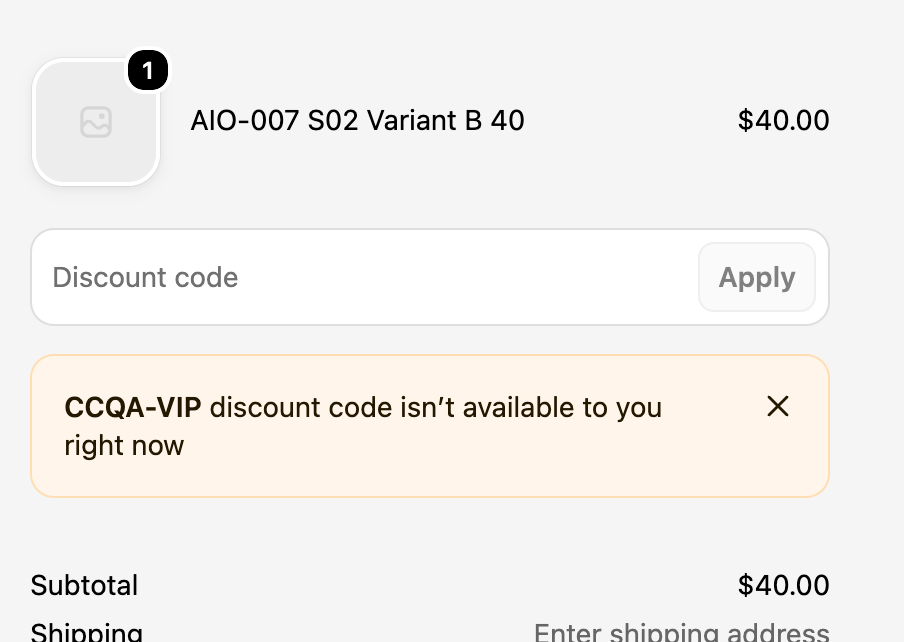
What the message means
This message is about eligibility. Under Eligibility, a Shopify discount can be open to all customers, or limited to particular markets, customer segments or specific customers. Shoppers outside the chosen group can't use the code.
Why it happens
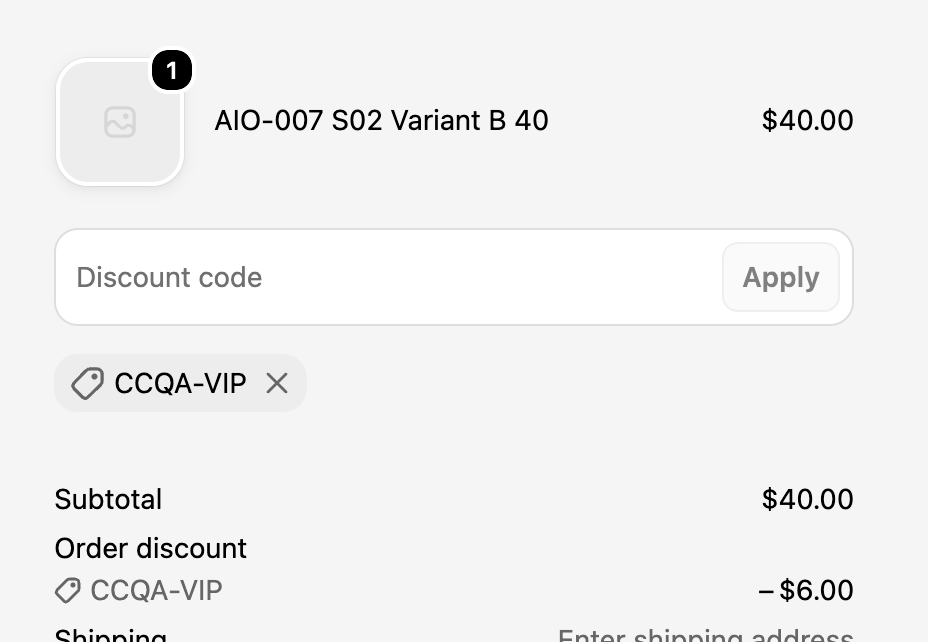
- A segment code used on a first order. Shopify adds new customers to a segment only after their first completed order, so a code for a segment like "VIP customers" won't work for someone buying for the first time.
- A guest who isn't in the segment. In our test, a segment-only code was accepted for a guest at first and showed a $6.00 discount. As soon as an email address was entered, Shopify removed it with this message. So a shopper can see the discount and then lose it partway through checkout.
- The wrong market. A discount limited to the United States won't work for a shopper browsing your store in another market.
- The code was sent to the wrong list. A loyalty code ended up in an email to all subscribers.
How to fix "isn't available to you right now"
- Open the discount and check Eligibility.
- If the code is for everyone who got the email, set it to All customers.
- If it should stay limited, say so in the email ("for returning customers") and ask shoppers to log in.
- For market-limited codes, check the shopper's market and currency match the ones on the discount.
Sources
- Shopify Help Center: Discount codes FAQ (segments)
- Message wording and behaviour: our own test checkout, 20 November 2026