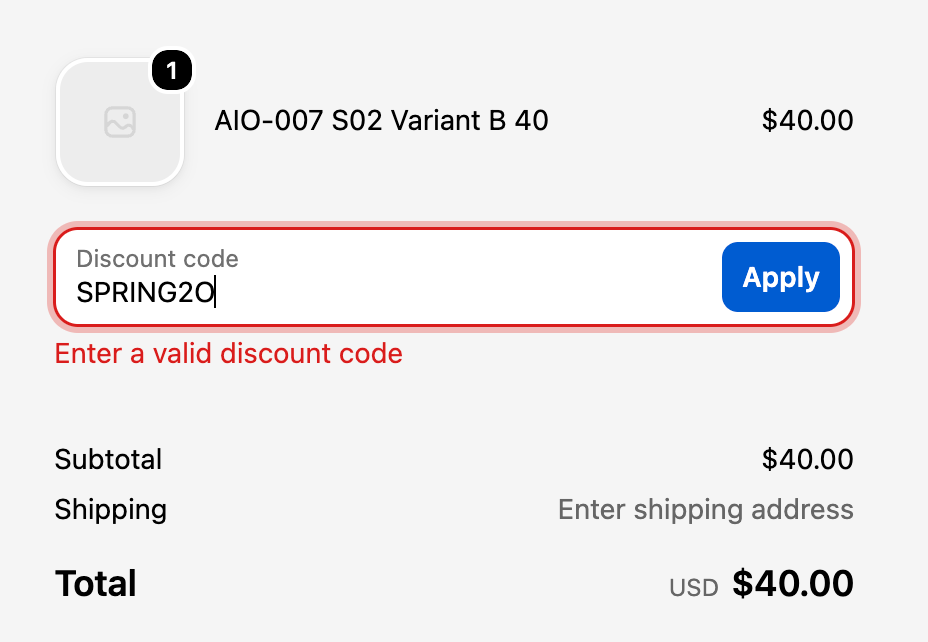
What the message means
Shopify shows Enter a valid discount code when the code typed at checkout doesn't exist, or exists but isn't active. Unlike other discount errors, it doesn't tell the shopper that the code is real but doesn't apply. As far as checkout is concerned, the code isn't there.
The four causes
1. The code is different from the one in your admin
Check this first. A typo in the email, a letter O instead of a zero, a code renamed after the campaign was scheduled, or a space carried over when the code was pasted into an email builder. Shoppers also mistype codes, which is why discount links are worth using.
2. The code hasn't started yet
A discount scheduled for tomorrow is invalid today. Check the start date and time, and remember they follow your Shopify admin's time zone.
3. The code has ended
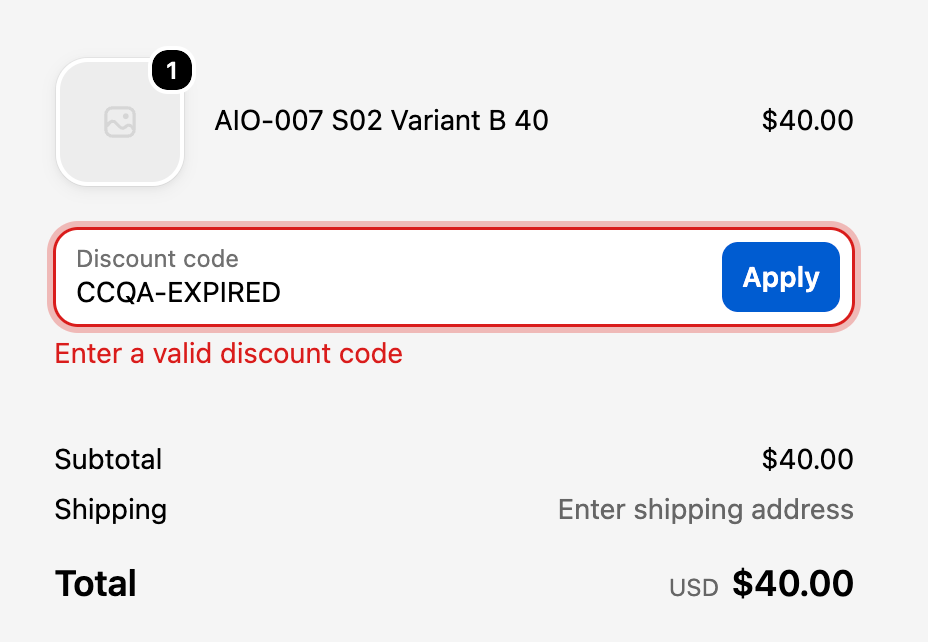
Same message once the end date has passed. If your sale "ends at midnight", check whose midnight: your admin's time zone decides, not your customers'.
4. The discount was deactivated or deleted
Someone tidied up the Discounts list, or a code was switched off after a previous campaign and the email template still points to it.
How to fix "Enter a valid discount code"
- Search for the code in Discounts in your admin. If it isn't there, it was deleted or never created under that name.
- If it's there, check its status and the active dates shown on the discount.
- Copy the code from the admin and paste it into a guest checkout. If it works, the fault is in the email, ad or banner: correct the published code.
- If customers keep mistyping it, share a discount link instead and keep codes short, with letters and numbers only.
Other messages it gets confused with
- "isn't valid for the items in your cart": the code exists but doesn't cover these products.
- "has already been used": a usage limit has been reached.
- "isn't available to you right now": the shopper isn't eligible.